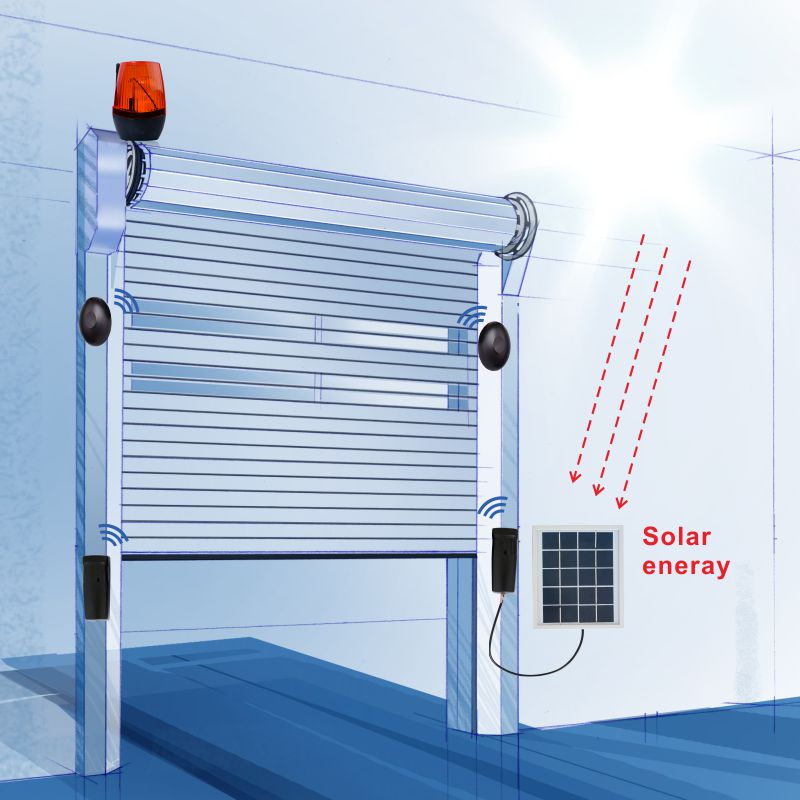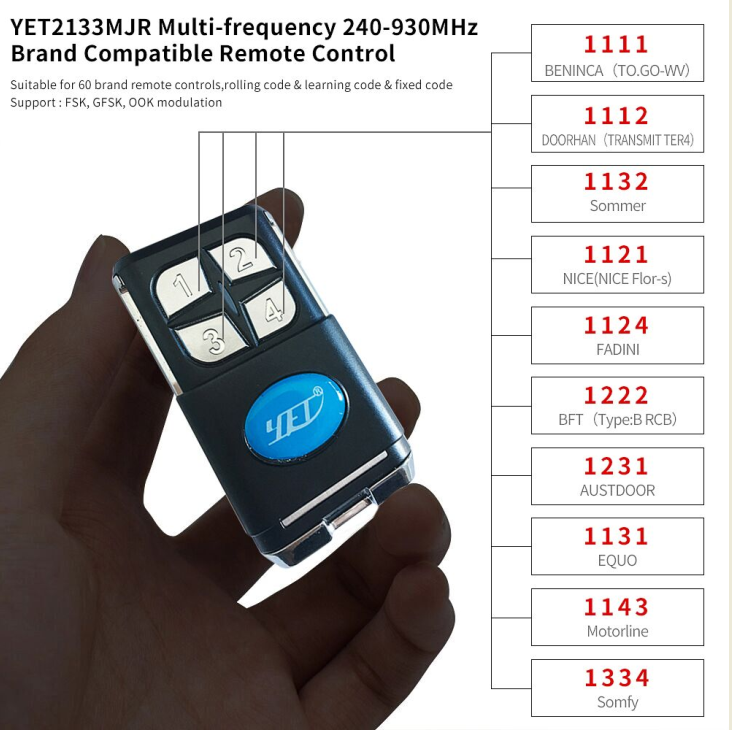
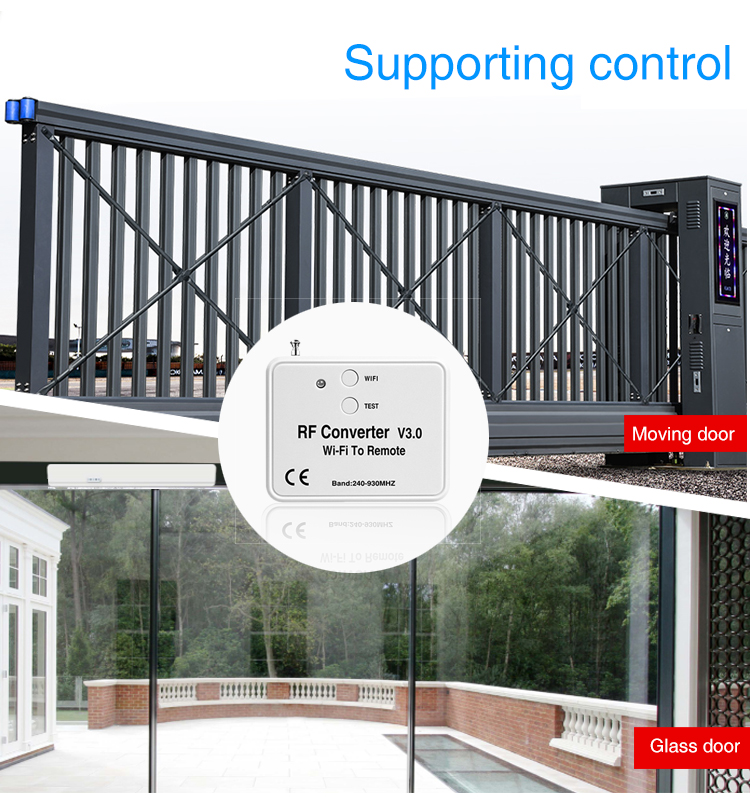
New Product Promotion WIFI to RF RF converter antennas multiple rf remote control frequency of brands (240MHZ-930MHZ) YET6956WFR-V3.0
About our company:
Yaoertai and Hansi is the same manufactory, established in 2005, specialized in the field of manufacture about RF remote control, receiver, sensor, module, and other accessories for more than 18 years.
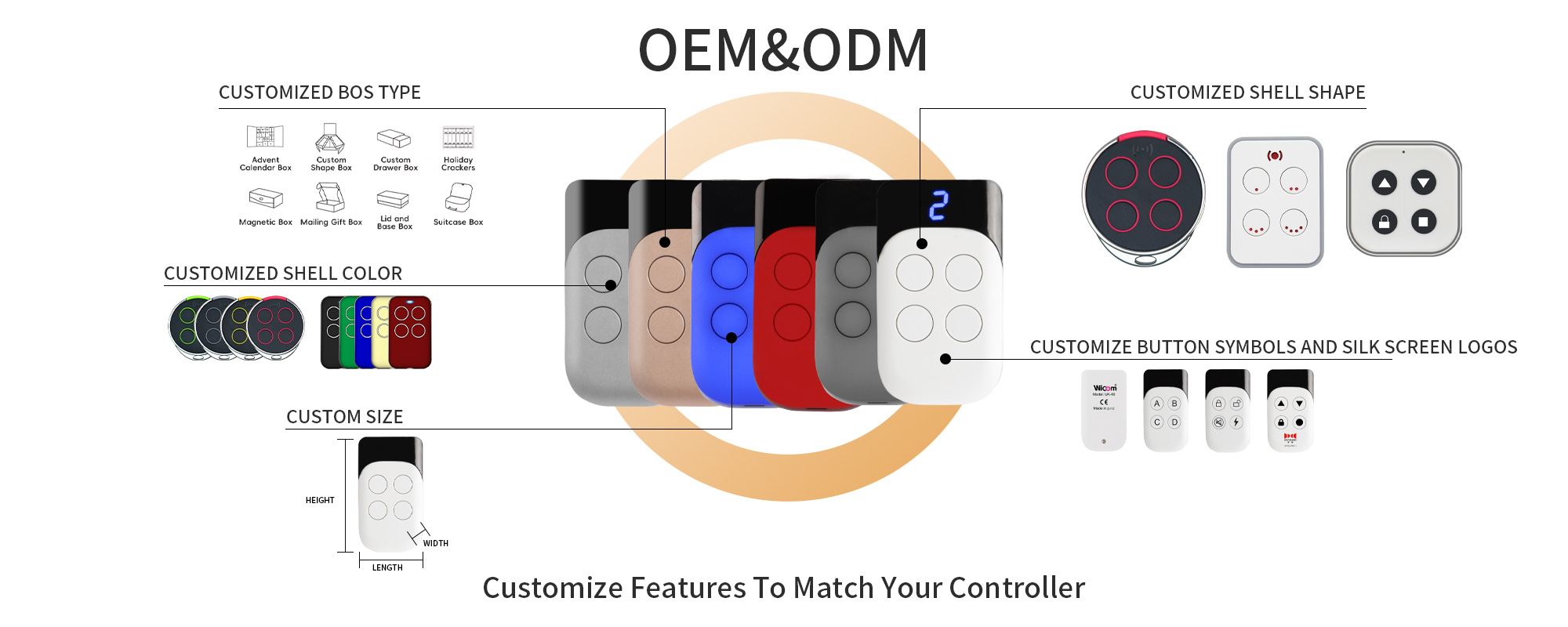
YET factory guarantees you high quality and attractive price, CE & RoHS are approved, confidence in dealing and after-sales service, OEM & ODM is accepted.
Good news about this New Product Promotion price of YET6956WFR-V3.0:
Sample EXW Price: $12.26/pcs;
100 pcs ≤ If your quantity <500 pcs : $9.76/ pcs
Sample Delivery Date: 3-5 days.
Product Dimension: L67.5*W54*H19.5(mm)
Here are it’s attractive advantages:
- WIFI to RF converter;
- Mobile phone can remotely control rf remote control devices;
- Automatic identification, addition, copying, and storage of original brand remote control;
- 240~930mhz;
- With antenna;
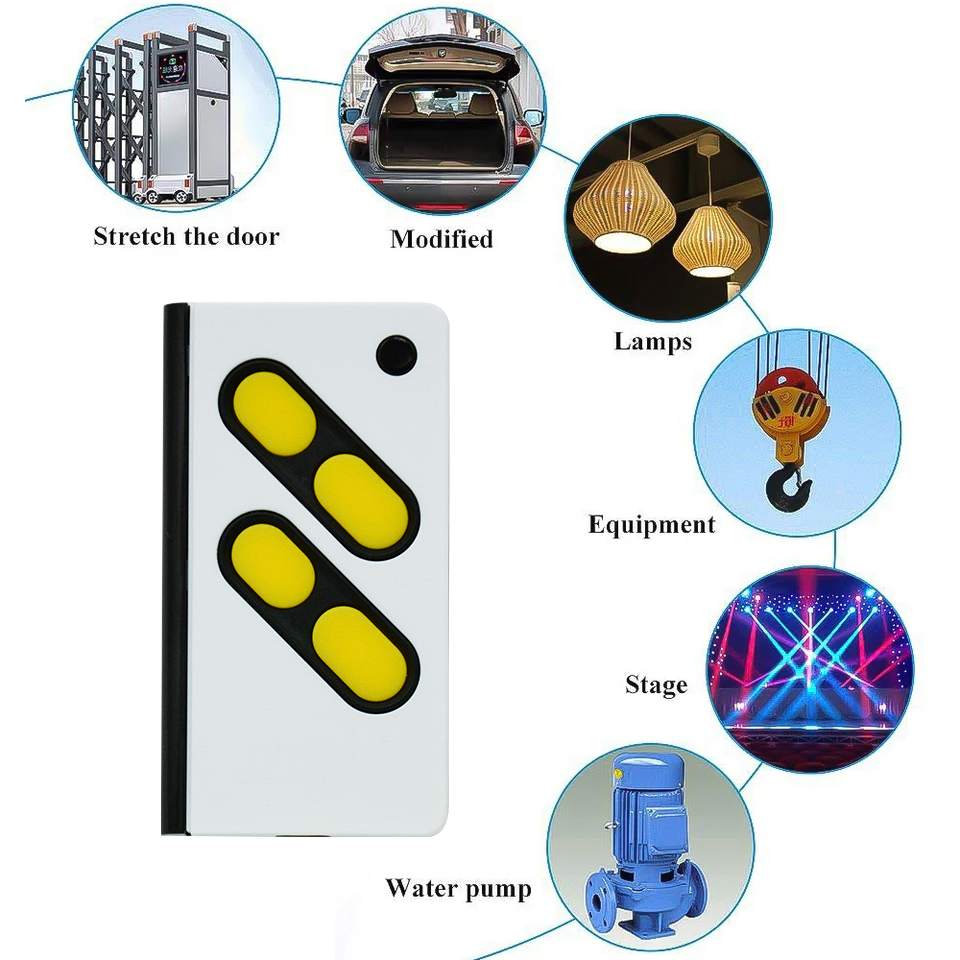
- While controlling 5 type different frequency channels of wireless remote control switch.
When you place an order, it will come to you like this. Packed in color box, one RF converter is in one same color box. When you open the color box, you will see the following image: 1 pcs of RF converter, and 1 pcs of charging cable, and a manual.

Product operation and instructions
Light touch button:
◆ Connect Internet function: short press the touch keys WIFI three times into the net; with APP users operate to complete network access.
◆ Remote control test function: Short press the touch button TEST. When the RF convertor rings one time,long press any button on the remote control and close to the RF converter until the RF converter rings thress times,indication that the device supports the remote control addition. If the RF converter makes a long beep, it means that the device does not support the remote controller.
Signal indicator:
◆ Power on status: Red light keep on.
◆ Network access status: Green light flashes .
◆ Normal working status: The green light is always on when the APP button is pressed, and the red light is always on when the APP button is released.
◆ Restore factory configuration /delete device: Green light flashes.

APP instruction:
APP Software Download And Installation:
◆ Android System: Users can search for keywords through the "Anzhi Application Market" platform: " Safemate ", download the latest version of " Safemate " software, follow the prompts to complete the installation of the APP software;
◆ IOS system: Users can search for keywords through the “App Store” platform: “Safemate”, download the latest version of “Safemate” software, and follow the prompts to complete the installation of the APP software. Users can also download and install by scanning the QR code (To install and use the APP for the first time, you need to sign up for the account and then sign in with a successful registered account. Have an account to login directly)
In the manual, it will provide detailed instructions on how to use it. If you don't know how to operate, and use this product. Don’t worry, we can send you a video to show you how to use. Also let our engineer Mr. Xie online teach you to use is ok too.
We insist on providing you with high-quality after-sales service.
The following image is it’s screenshot of the manual:

Other important information:
1. The name of our app is "Safemate";
2. No restrictions on sub accounts;
3. If you enter the WiFi password incorrectly, the device indicator light will flash green.
The following images of YET6956WFR-V3.0 for you reference.

It will certainly be an extremely good chance to do business with you.
Don't hesitate to contact us at any time.
Universal RF 433mhz Control Board for rolling shutter switch controller
YET New Arrival Two-In-One RF Remote Control Duplicator YET2201-D7
Related Article